
Sometimes, when trying to log in to the student platform https://learn.alg.academy/login, you may see a message saying that the data is incorrect.
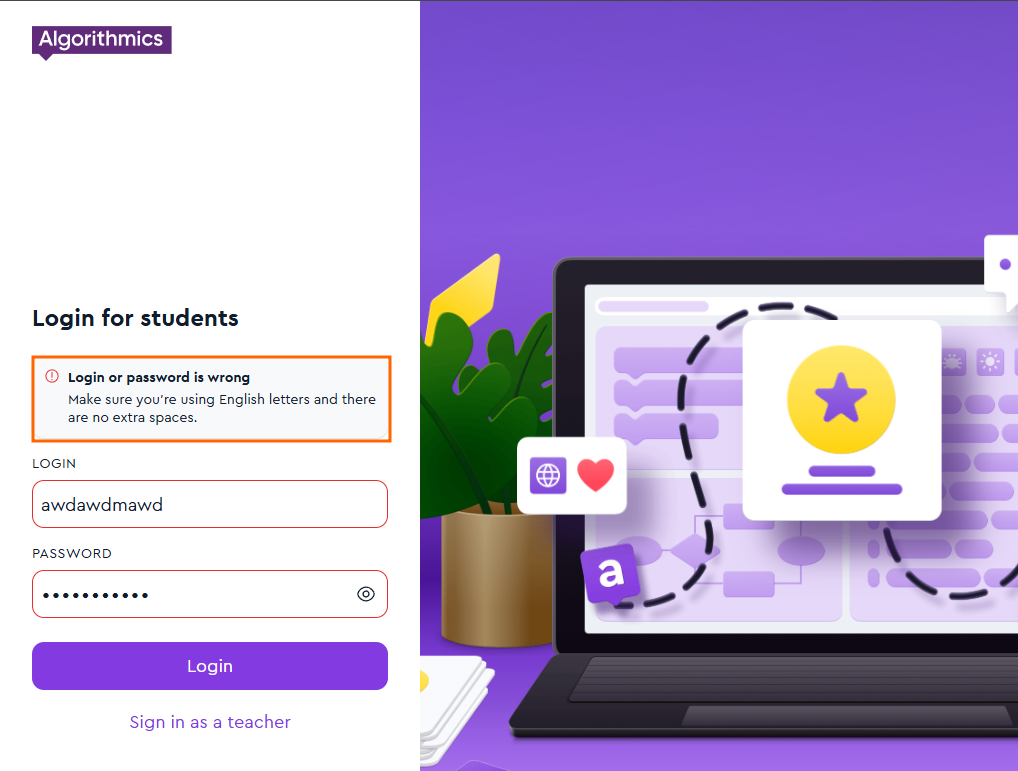
First, please check the following:
Make sure you are entering your login and password in the correct fields
Ensure that the correct keyboard layout is enabled.
It is important to enter your login and password using the English keyboard layout, not other similar layouts (for example, Spanish).
Make sure Caps Lock is turned off.
Check that there are no extra spaces at the beginning or end of your login or password (a space counts as a character and may cause an error).
If you do not remember your login details, you can always find them in your email by searching for the following keywords (this list is not exhaustive):
“Important information before the course starts” (usually the email subject line)
“Platform access” (your login and password are provided right below these words)
“What you need to get started”
If you are still unable to access the platform, you can always contact our technical support team for assistance: